How to Find the Best Chess Move in a Custom Position Without a Paywall
A complete, practical guide to setting up any chess position, checking the best move with Stockfish, comparing candidate lines, and understanding engine recommendations without subscriptions, login walls, or complicated software.
 Alex Torres
To find the best chess move in a custom position without a paywall, set up the board manually or paste a FEN string into a free browser-based engine such as ChessAlgo, run Stockfish analysis, and compare the top candidate lines. The strongest workflow is not just copying the first engine move — it is reading the evaluation, checking alternatives, and understanding why the best move works.
- Why Custom Position Analysis Matters
- Why Paywalls Frustrate Chess Players
- Three Ways to Set Up a Custom Position
- Step-by-Step: Find the Best Move for Free
- Real Tactical Example With Candidate Moves
- How to Read Engine Lines Correctly
- What Engine Depth Should You Use?
- Common Mistakes When Using Best-Move Calculators
- Frequently Asked Questions
Why Custom Position Analysis Matters
Most serious chess improvement happens away from the starting position. Openings matter, but the moments that decide real games usually happen later: a tactical middlegame position, a messy attack, a rook endgame, a defensive resource you missed, or a single move where the evaluation suddenly changed.
That is why custom position analysis is so important. Instead of replaying an entire game from move one, you can isolate the exact board position that mattered and ask a sharper question: what was the best move here?
This is different from general game review. A game review tool often gives labels like “mistake,” “blunder,” or “brilliant,” but a custom position engine lets you slow down and study the position itself. You can test candidate moves, compare variations, change the side to move, adjust the board, and understand the tactical or strategic reason behind the engine’s choice.
For a practical player, this is where improvement becomes real. You stop treating engine analysis as a scorecard and start using it as a training partner.
You do not need a full platform dashboard every time you analyze chess. Sometimes you only need a clean board, a custom position, and a reliable engine showing the best move. That is the exact workflow this guide is built around.
Custom position analysis is especially useful when a position comes from somewhere outside your normal chess platform: a YouTube lesson, a puzzle screenshot, a coach’s note, a book diagram, a Discord conversation, or a FEN copied from Chess.com or Lichess.
The faster you can move that position into an engine, the easier it becomes to study consistently.
Why Paywalls Frustrate Chess Players
Many players are not against paying for chess tools. Strong platforms, coaches, databases, and training systems can absolutely be worth money. The frustration begins when a player only wants to check one position and suddenly hits a login wall, daily limit, upgrade banner, or feature lock.
That friction breaks the natural study flow. A player finishes a game, notices one critical moment, wants to check the best move, and then gets pushed into account creation or subscription prompts before the actual analysis begins.
For casual players, this is annoying. For coaches and serious improvers, it is inefficient. When you are studying many positions in a session, every extra click matters.
| Workflow Problem | Why It Hurts Study | Better Alternative |
|---|---|---|
| Daily analysis limits | Stops review after a few games or positions | Use a free custom-position engine |
| Forced login | Adds friction before a simple best-move check | Open a browser board directly |
| Subscription prompts | Interrupts focus during analysis | Use no-paywall workflows |
| Heavy dashboards | Slower on mobile and old laptops | Use lightweight board analysis |
| One-line answers | Does not explain candidate move differences | Compare top 3 engine lines |
A no-paywall chess move calculator is not trying to replace every premium chess product. It solves a narrower, very practical problem: give the player fast access to engine analysis for any custom position.
Premium chess tools are useful for courses, databases, cloud studies, and structured training. But checking the best move in one custom position should not require a complicated workflow.
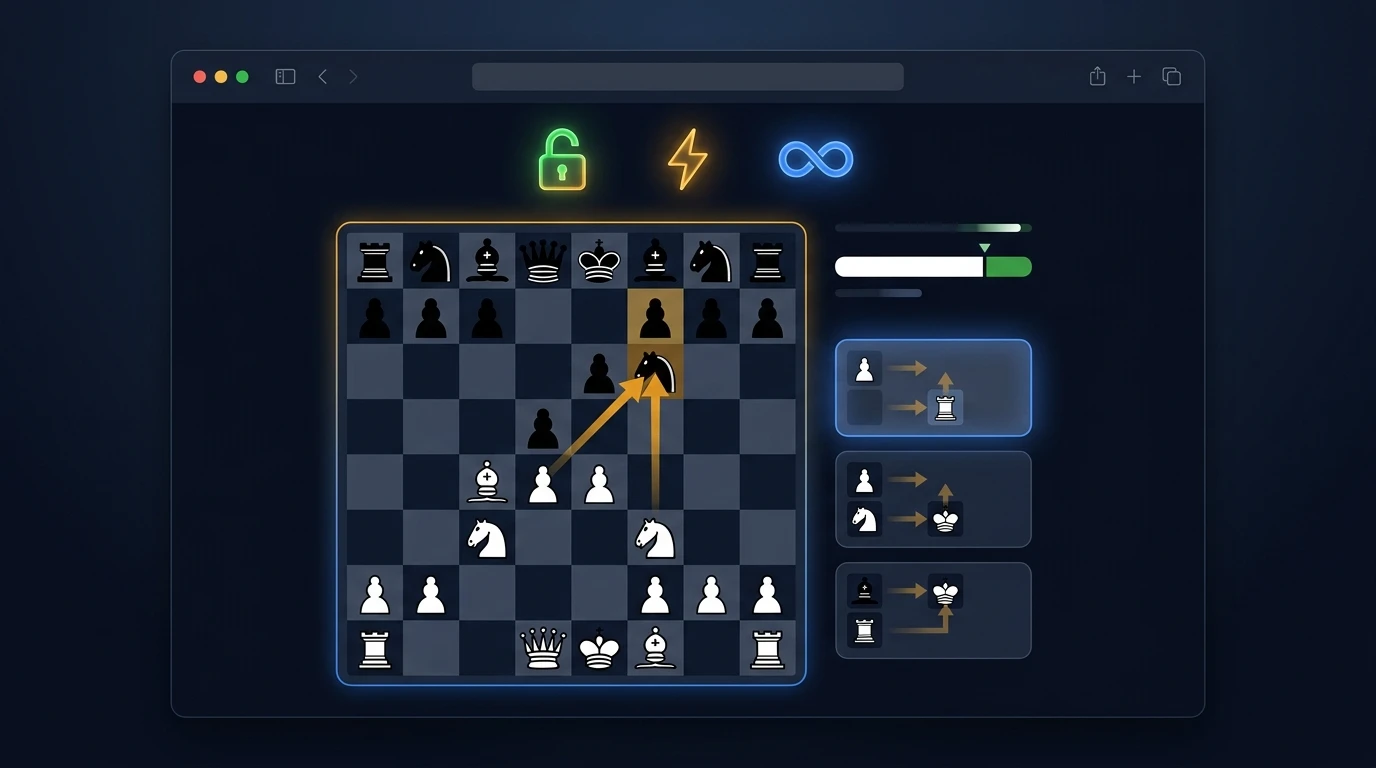
Three Ways to Set Up a Custom Chess Position
There are three practical ways to load a custom position into a chess engine. The best method depends on where your position comes from.
Use this when copying from a book, screenshot, puzzle image, or physical board. Move the pieces manually until the board matches the position.
Use this when copying from Chess.com, Lichess, a PGN viewer, or another engine. FEN is the fastest and cleanest method.
Use this when you already have a game loaded and want to jump to one move, copy the board state, and analyze it separately.
Method 1: Manual Board Setup
Manual setup is best when the position comes from a diagram or screenshot. The key is accuracy. Make sure both kings are present, the correct side is to move, and castling rights are adjusted if the position comes from an actual game.
Most casual users forget the side-to-move detail. That one field changes the entire answer. A position where White is winning if it is White’s move may be equal or lost if Black is actually to move.
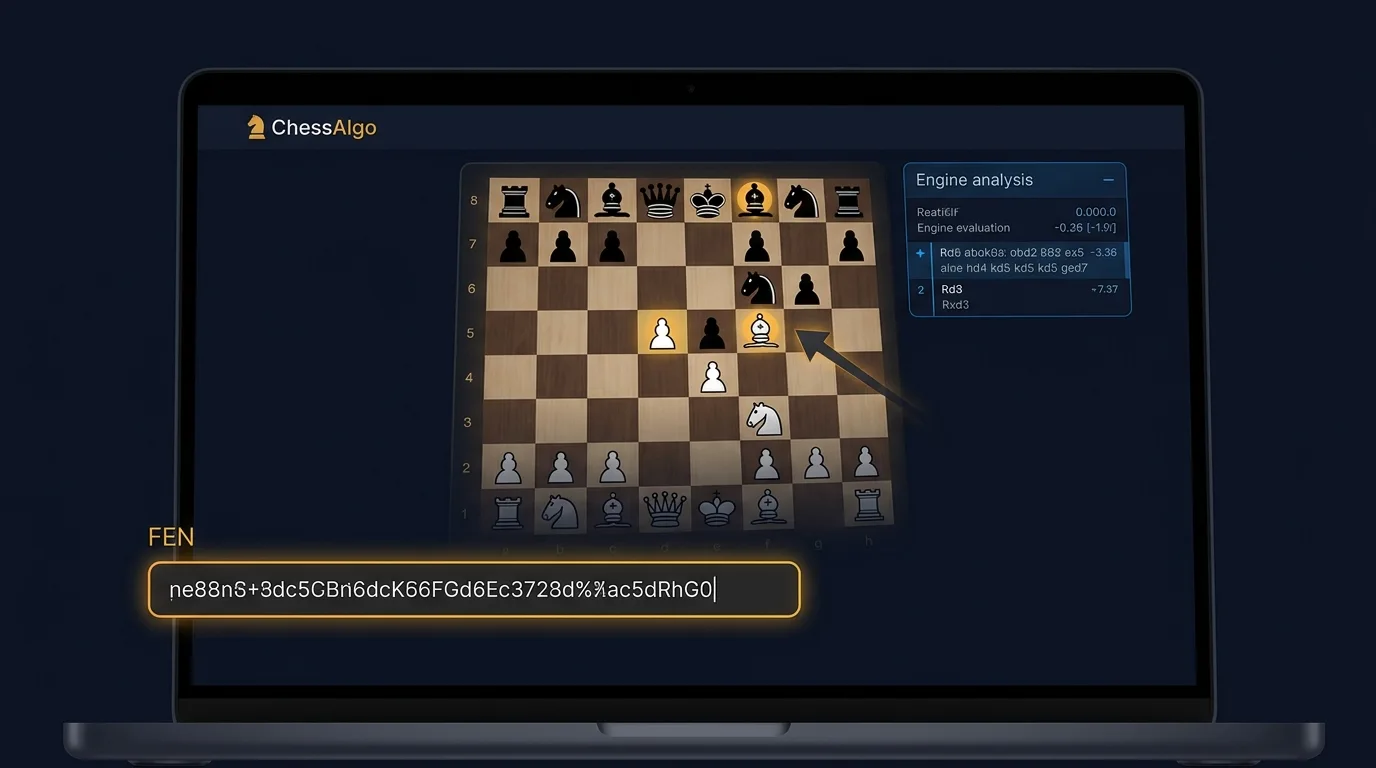
Method 2: FEN Input
FEN is the cleanest method because it stores the entire position as text. It includes piece placement, side to move, castling rights, en passant state, halfmove clock, and fullmove number.
If you copy FEN from a trusted source, the engine receives the exact board state instantly. This is the fastest workflow for serious players.
Method 3: Import From a Game
Some players prefer to load the full game first, jump to the critical move, and then copy the current position into a separate analysis board. This is useful when you want to compare the game review output with raw Stockfish lines.
The important point is that custom position analysis should feel fast. If the setup takes longer than the actual analysis, the workflow is broken.
Step-by-Step: Find the Best Move for Free
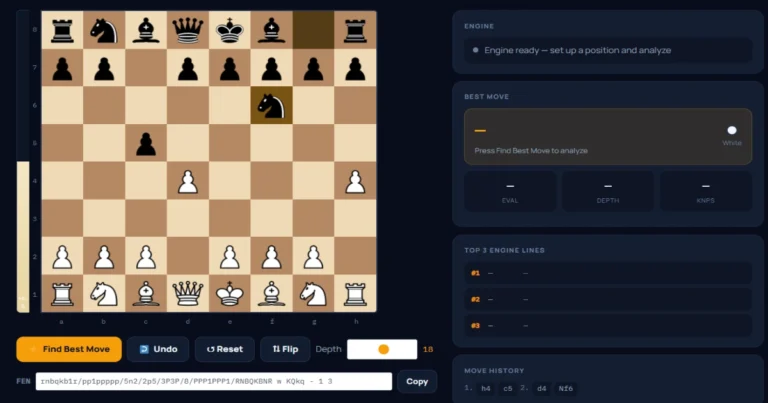
The cleanest workflow is simple: load the position, confirm the side to move, run the engine, compare candidate lines, and understand the move before copying it.
Open a Free Browser-Based Analysis Board
Go to the ChessAlgo Chess Move Calculator. The point is to avoid setup delay. You want the board and engine ready before your focus fades.
Load the Custom Position
Paste a FEN string or set the board manually. If you use FEN, check that the board matches your original position before running the engine.
Confirm the Side to Move
This is the most common mistake. A best-move calculator only answers the position it receives. If the wrong side is to move, the engine answer is not useful.
Run Stockfish Analysis
Use a practical depth. Depth 18–20 is usually enough for most training positions. Use 22–25 for tactical positions, endgames, or moments where the top lines are close.
Compare the Top Candidate Moves
Do not stop at the first move. Read at least the top three lines. If the best move is only slightly better, the position is flexible. If it is much better, there is probably a tactic or forcing sequence.
Write the Human Explanation
The final step is where improvement happens. Ask why the engine move is best: does it win material, create a threat, improve a piece, stop counterplay, or force mate?
Before running the engine, choose your own candidate move first. Then compare your idea against Stockfish. The gap between your move and the engine move is where your actual learning happens.
Find the Best Move in Any Custom Position
Paste a FEN, set up a board, or test any position with free browser-based Stockfish analysis. No login. No paywall. No daily analysis limit.
⚡ Open Free Chess Move Calculator →Real Tactical Example With Candidate Moves
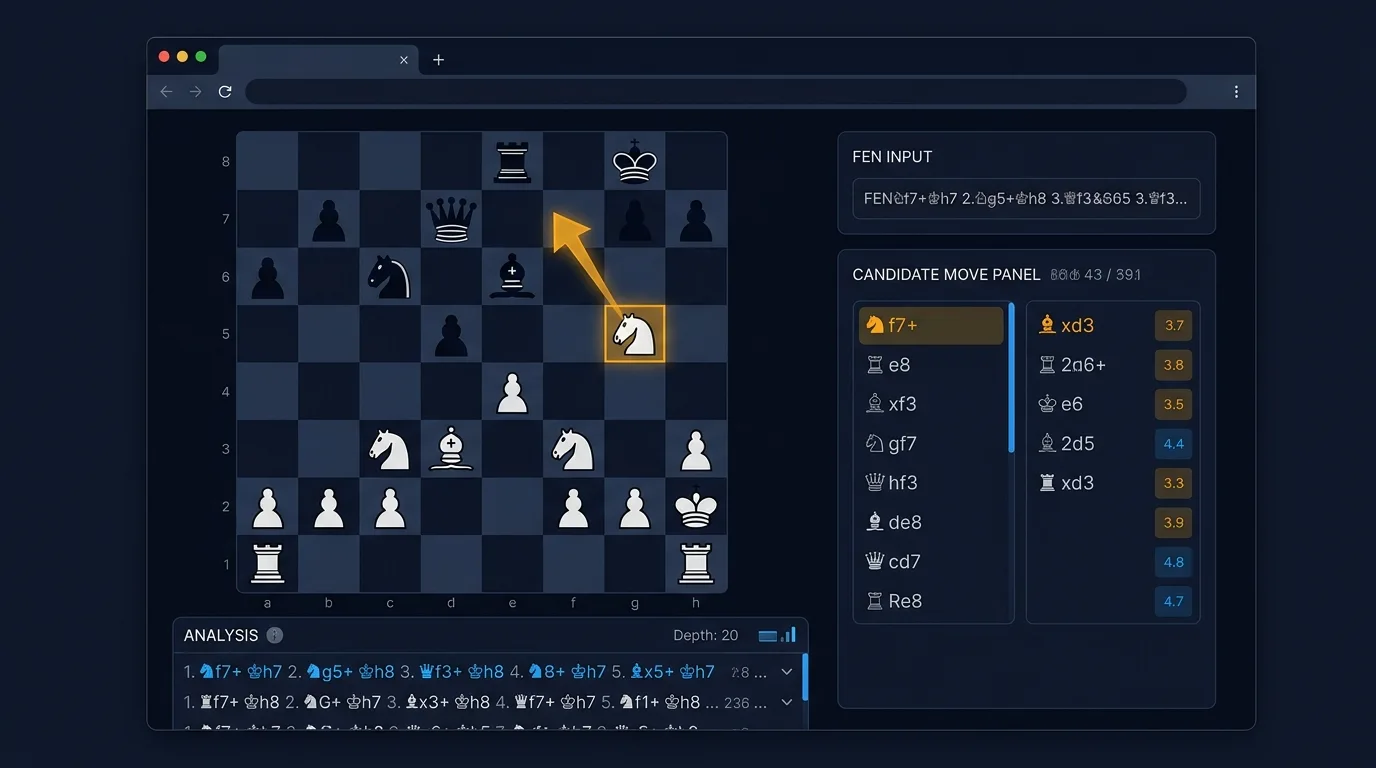
To understand how custom position analysis should work, consider a typical attacking position. White has active pieces near the black king, but several candidate moves look tempting. A weaker player may choose the most aggressive-looking queen move. A stronger player compares forcing moves first.
In this example, White should not simply look for a queen check. The knight move creates a forcing idea because it checks the king and attacks important defensive coordination. Once the engine is run, the difference between candidate moves becomes clear.
| Candidate Move | Evaluation | Human Explanation |
|---|---|---|
| 1. Nf7+ | Best | Forces the king to respond while attacking key defensive squares. The move creates initiative instead of only making a threat. |
| 1. Qxf7+ | Playable | Looks direct, but may trade too early and reduce attacking pressure. |
| 1. Rc8+ | Interesting | Uses the rook actively but allows more defensive resources. |
| 1. Qh5 | Too slow | Threatens ideas but gives Black time to defend. |
The lesson is simple: a best-move calculator is most useful when it helps you compare ideas. The top move is important, but the evaluation gap between the top moves is often even more instructive.
How to Read Engine Lines Correctly
Many players misuse chess engines because they treat the first line as a command. Stockfish says a move is best, so they memorize it and move on. That is not analysis. That is copying.
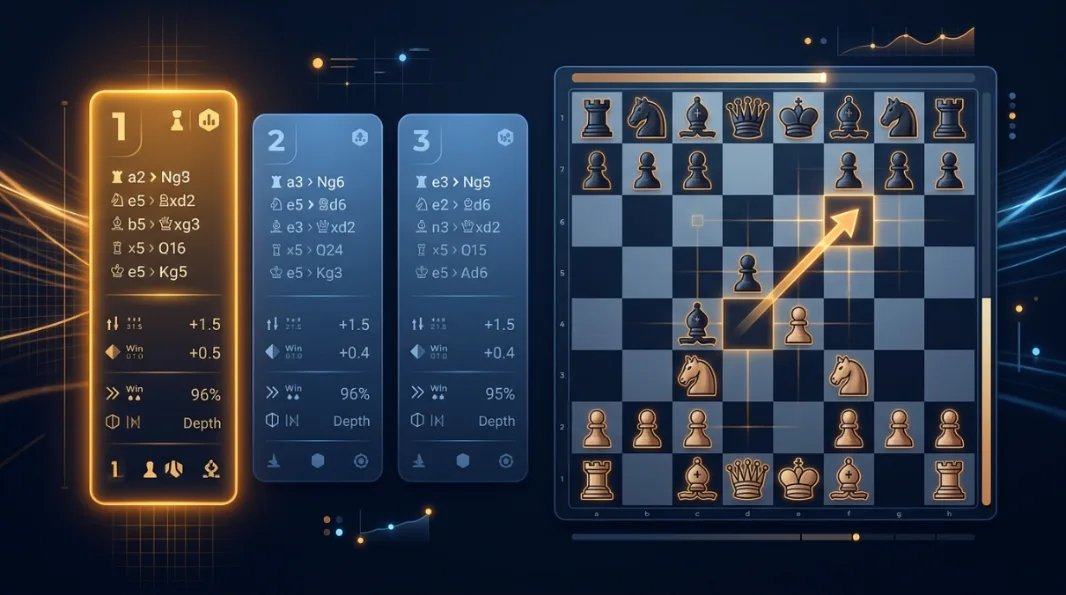
Proper engine use means reading the move, evaluation, depth, and continuation together. The move tells you what Stockfish prefers. The evaluation tells you how much it prefers it. The continuation tells you the reason.
The engine’s preferred move at the current depth. Treat it as a candidate to understand, not a command to memorize.
The numerical estimate of who stands better. A small difference means several moves may be playable.
The expected continuation if both sides play strong moves. This is where the engine explains itself.
The number of half-moves searched. Higher depth usually means more reliable analysis, especially in tactics.
Here is the key interpretation rule: if the top move is +2.4 and the second move is +2.3, both are probably strong. If the top move is +2.4 and the second move is +0.5, the position contains something urgent.
That difference tells you whether the best move is a matter of preference or a concrete tactical necessity.
Do not only ask “what is the best move?” Ask “how much better is it than the second-best move?” That one question turns engine analysis into real chess understanding.
What Engine Depth Should You Use?
Depth is one of the most misunderstood parts of chess engine analysis. Higher depth is usually better, but it is not always necessary. A simple tactic may be obvious at depth 12. A quiet endgame defense may need depth 25 or more.
The best depth depends on the type of position.
| Position Type | Recommended Depth | Why |
|---|---|---|
| Opening position | Depth 16–20 | Use opening principles and engine confirmation together. |
| Simple tactic | Depth 14–18 | Forcing lines appear quickly. |
| Complex middlegame | Depth 20–23 | Candidate moves need deeper comparison. |
| Sharp attack | Depth 22–25 | One move may change the evaluation completely. |
| Endgame | Depth 22–25+ | Quiet moves and long-term opposition ideas need precision. |
| Quick mobile check | Depth 16–20 | Fast enough for useful practical review. |
For everyday improvement, depth 20 is a strong baseline. It is deep enough to catch most tactical errors and fast enough to use during normal review sessions.
Common Mistakes When Using Best-Move Calculators
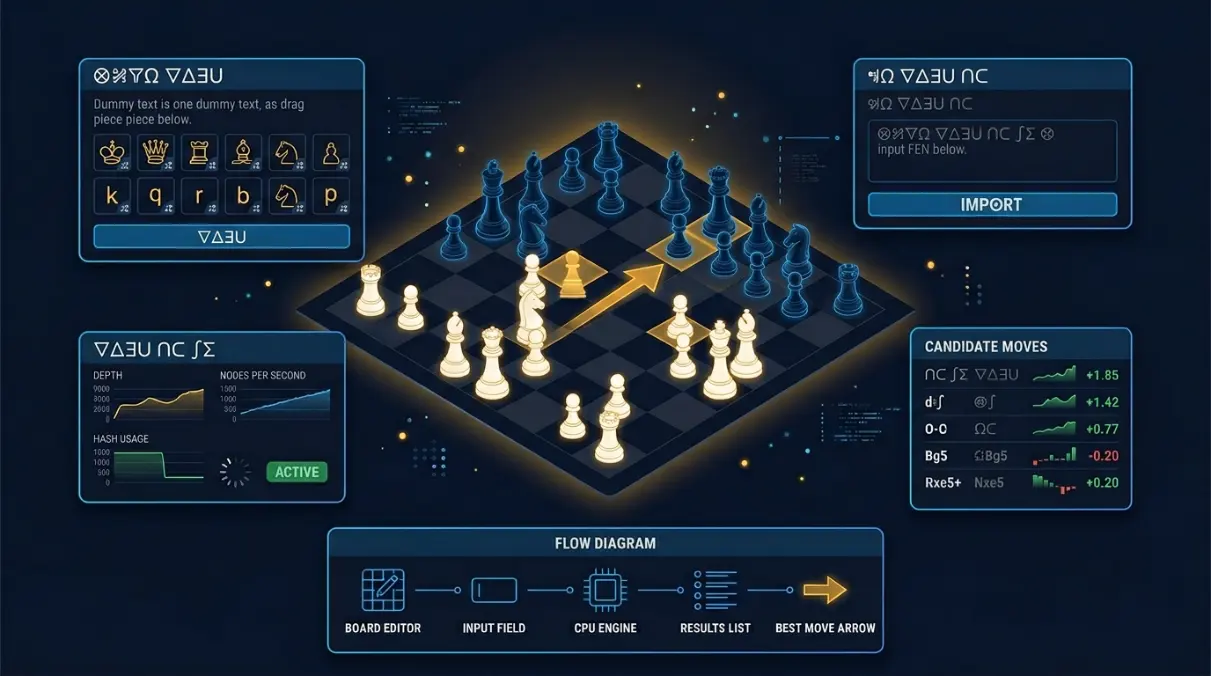
A best-move calculator can make you stronger or lazier. The difference is how you use it. Here are the mistakes that stop players from getting real value out of engine analysis.
The most common error. If the engine analyzes the wrong player’s turn, every recommendation becomes misleading.
Extra spaces, missing kings, or incorrect castling rights can cause invalid positions or bad analysis.
The move is not useful unless you understand the threat, continuation, or positional idea behind it.
Low depth can miss quiet resources. Wait longer when the position is tactical or the top lines keep changing.
Players often choose material-winning moves without noticing an exposed king or mating threat.
Real analysis begins before the engine. Pick your own move first, then compare it to Stockfish.
The worst way to use an engine is to check the answer immediately after every move without thinking. That builds dependency. Think first, engine second.
When a Free Tool Is Enough — and When It Is Not
A free browser-based best-move calculator is enough for most practical chess study: quick game review, puzzle checking, FEN analysis, coaching examples, and tactical comparison.
But it is not the best tool for every chess task. If you need huge opening databases, long-term cloud studies, professional tournament prep files, or overnight engine runs on high-end hardware, a full chess database or desktop engine setup may be better.
| Task | Best Tool Type | Reason |
|---|---|---|
| Quick custom-position check | ChessAlgo / browser engine | Fastest and lowest friction. |
| Opening repertoire database | Database software | Better for stored lines and annotated files. |
| Mobile tactical review | Browser calculator | Easy to use after games or lessons. |
| Deep correspondence analysis | Desktop engine setup | Better for long-running searches. |
| Coaching one position live | No-login browser board | Simple, clean, and fast during lessons. |
The strongest chess workflow uses the right tool for the right moment. For one custom position, fast browser analysis usually wins.
- The fastest way to find the best move in a custom position is to paste a FEN into a free browser-based engine and compare the top candidate lines.
- A paywall-free tool is most useful when you need quick analysis without login prompts, daily limits, or heavy platform dashboards.
- Always confirm the side to move before trusting an engine recommendation. Wrong side-to-move settings produce misleading results.
- Depth 20 is a strong baseline for most positions. Use depth 22–25 for sharp tactics, endgames, and critical game moments.
- The best move is not always the most aggressive-looking move. It is the move that creates the strongest continuation after accurate defense.
- For real improvement, choose your own candidate move before checking Stockfish. The comparison is where learning happens.
Frequently Asked Questions
Conclusion
Finding the best move in a custom chess position should not be complicated. You do not need a heavy platform dashboard, a premium subscription, or a full database setup every time you want to check one important board position.
The cleanest workflow is simple: load the position, confirm the side to move, run Stockfish, compare the top engine lines, and understand the idea behind the best move. That process turns a best-move calculator from a shortcut into a serious improvement tool.
Chess improvement does not come from seeing engine answers alone. It comes from comparing your own thinking with the engine’s recommendation and closing the gap over time. Every custom position you analyze carefully builds pattern recognition: tactics, threats, defensive resources, pawn breaks, king safety, and piece coordination.
Use ChessAlgo whenever you need a fast, free, no-paywall way to check a position. Paste the FEN, run the engine, read the top lines, and turn one position into a real lesson.